Backup
Save your rules and settings to a file, and restore them later.
Use this before making big changes, or in case you change or delete something by mistake.
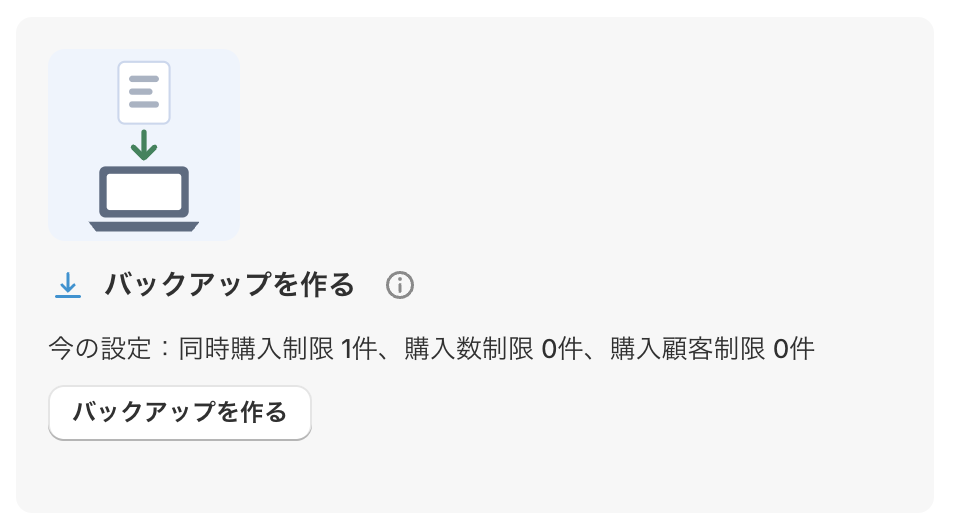
「バックアップを作る」(Create a backup)
Click the 「バックアップを作る」(Create a backup) button to download your current settings as a JSON file.
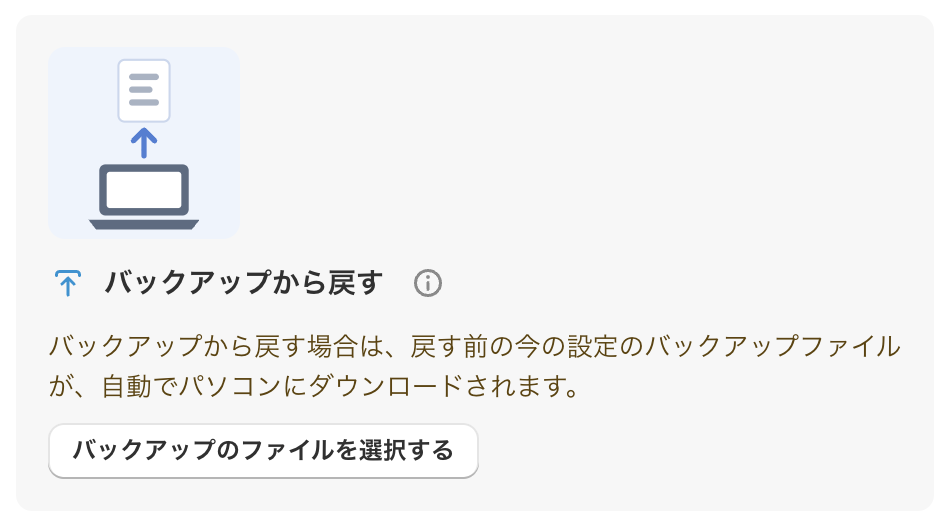
「バックアップから戻す」(Restore from a backup)
① Click the 「バックアップのファイルを選択する」(Select a backup file) button, and select a backup file you downloaded before.
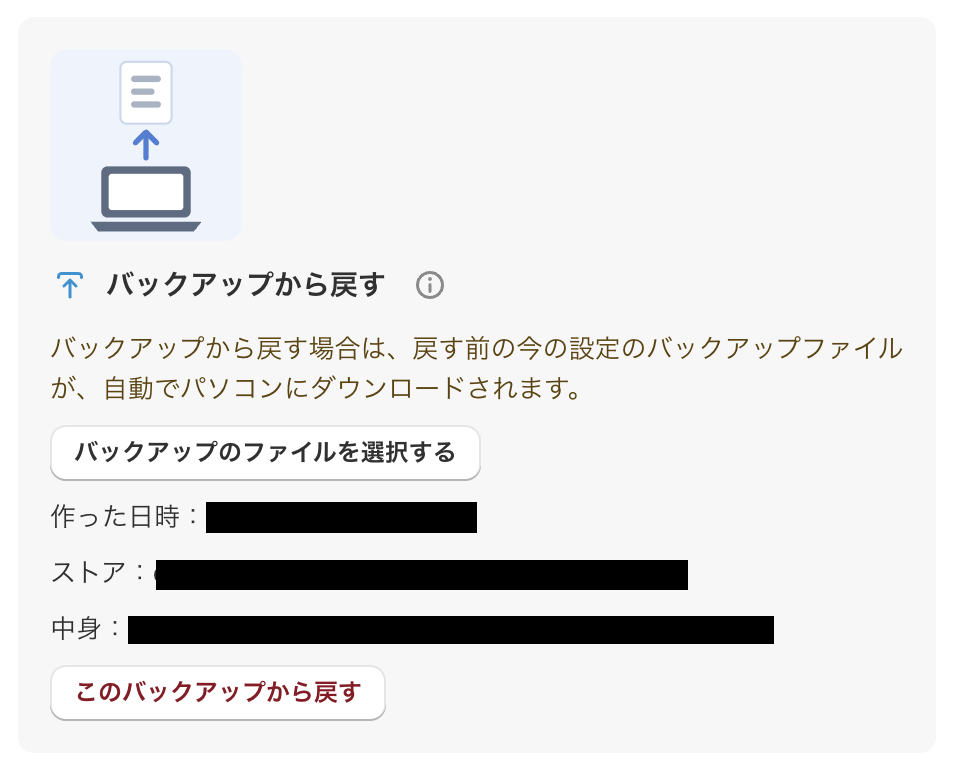
② Check 「作った日時」(Created at), 「ストア」(Store), and 「中身」(Contents) shown on the page.
③ If everything looks right, click the 「このバックアップから戻す」(Restore from this backup) button.
④ The restore runs, and your settings are replaced with the ones in the backup.
* For safety, your latest settings from just before the restore are also downloaded automatically.