Rules
Set purchase rules for each product.
Create rules for the three types of limits (Combination limits, Quantity limits, and Customer limits), and switch them between Active, Inactive, and Test. When a customer goes to checkout, the app checks whether they can buy according to your rules.
Creating a rule
To create a rule, select 「商品ごとのルール」(Rules by product) in the menu,
and click the 「ルールを追加」(Add rule) button at the top right.
Types of rules
There are three types of purchase limit rules.
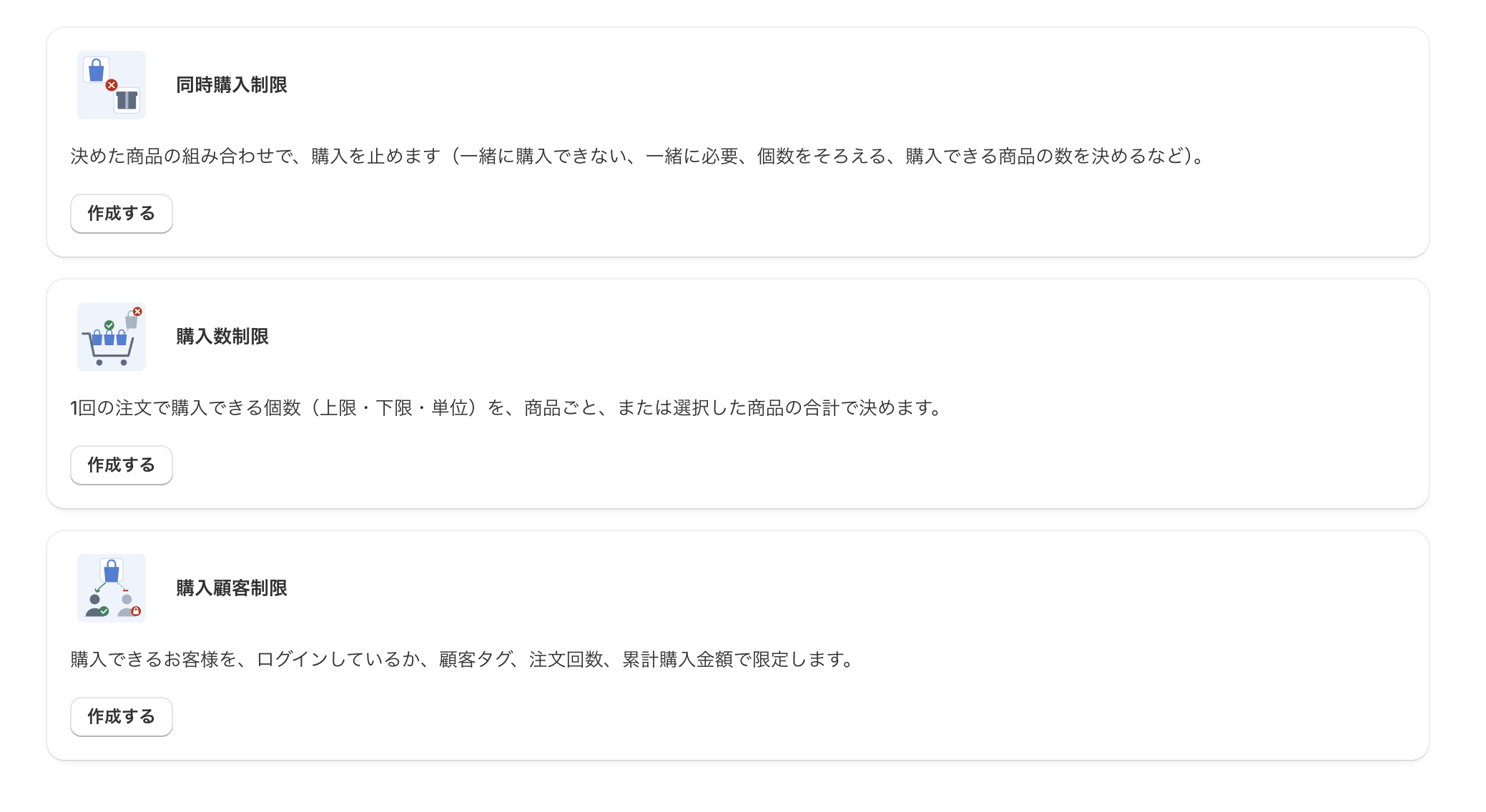
- 「同時購入制限」(Combination limits)
Blocks purchases based on combinations of the products you choose (cannot be bought together, must be bought together, matching quantities, setting how many products can be bought, and so on). - 「購入数制限」(Quantity limits)
Sets how many items can be bought in one order (maximum, minimum, and unit), per product or as a total of the selected products. - 「購入顧客制限」(Customer limits)
Limits who can buy, based on whether they are logged in, customer tags, number of orders, and total amount spent.
Click the 「作成する」(Create) button for a type to open the settings page for that rule.